

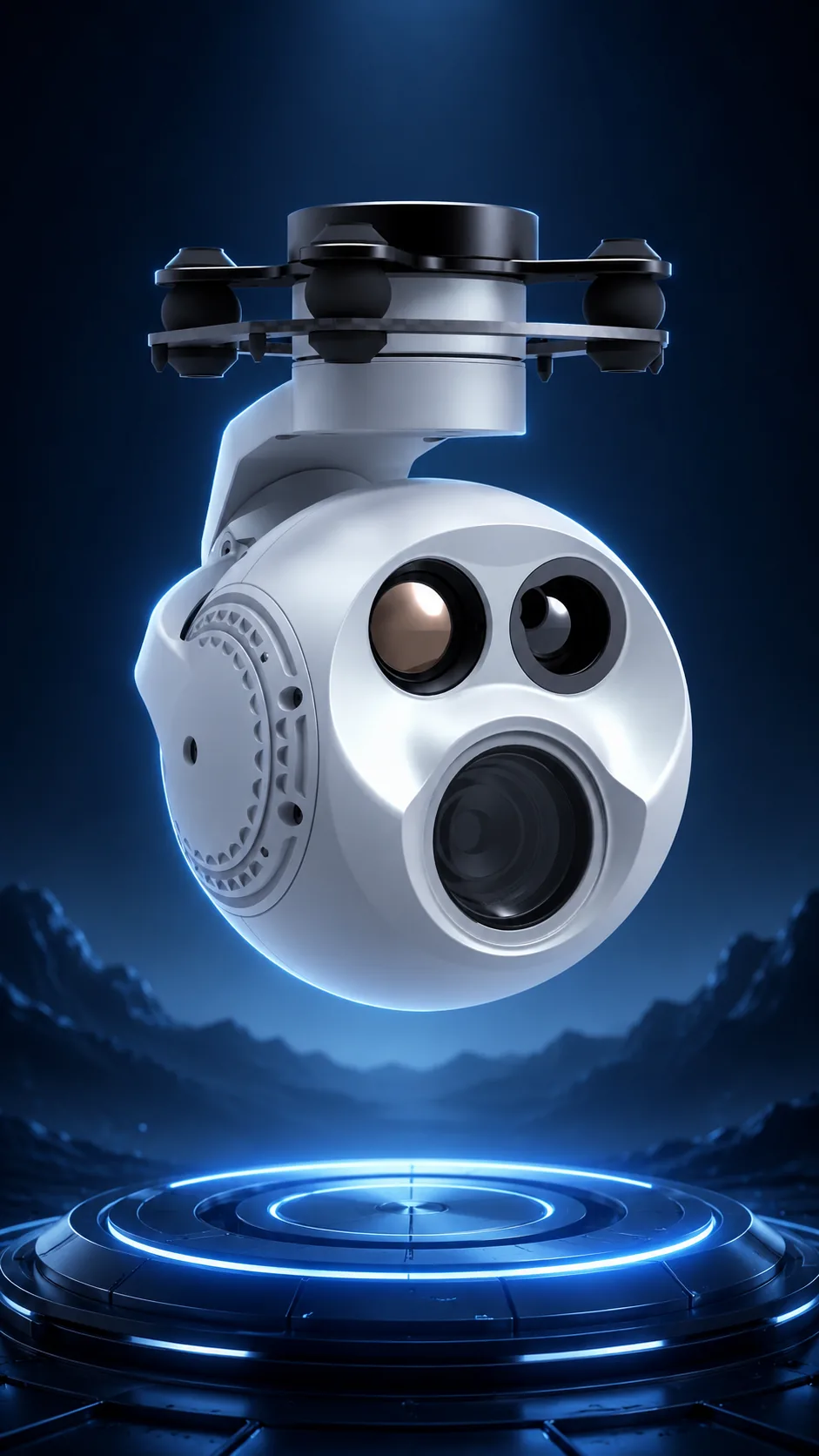
An ONVIF-compliant payload appears to a security system as just another network camera — which means drone video drops into an existing VMS alongside fixed cameras, with recording, video walls and permissions already solved.
- ONVIFDiscovery and PTZ profiles
- RTSPStream transport
- 2–8 MbpsTypical per-stream budget
- 24/7Duty cycle on a tethered post
Key takeaways
- ONVIF turns a drone payload into a device your VMS already knows how to record, wall and permission — no capture-card workaround.
- The natural fit is control-room work: tethered overwatch, drone-in-a-box perimeter response, port and construction monitoring.
- IP video trades tens of milliseconds of latency for that compatibility; budget 2–8 Mbps per stream and prefer wired or tethered backhaul for continuous posts.
- ONVIF PTZ profiles cover pointing and zoom. Palettes, tracking and thermal-specific functions usually ride vendor extensions or a parallel control channel.
On this page
Why IP Video for Security Operations
Security control rooms do not live in pilot headsets. They live in VMS software — Milestone, Genetec and that class of platform — where every camera on the site is already discovered, recorded to a retention policy, arranged on a video wall and exposed to operators according to their permissions.
A drone that speaks ONVIF joins that world natively. Discovery finds it, RTSP carries the stream, PTZ-over-network points it, and the recording and access rules that already exist apply to it without anyone writing an integration. A drone that does not speak ONVIF arrives as a video signal that somebody has to capture, transcode and bolt on — which works, until it is three in the morning and the bolt-on is the thing that failed.
The OP-80P is the clearest example in the line: a spherical pod built around a 4K zoom camera and a lightweight ground control unit, designed for the station-based and tethered postures where a control room, not a pilot, is the consumer.
Where It Fits
Tethered overwatch at events and facilities is the archetype. The aircraft holds position for hours on mains power, the stream feeds the same wall as the fixed cameras, and the operator treats it as a camera that happens to be 60 m up. Event and crowd safety work runs almost entirely this way.
Drone-in-a-box perimeter response is the second pattern: an alarm fires, the aircraft launches, and the responding operator watches through the same interface they use for the fence line. Night security patrols and port and harbour surveillance both fit here, where the site already has a VMS and the drone is an extension of it rather than a separate programme.
Construction and industrial monitoring rounds out the set — anywhere the consumer of the video is a control room rather than a pilot, and anywhere the footage needs to be in the same evidentiary archive as everything else on site.
What the Hardware Looks Like
The published specification block for the OP-80P shows the shape of a payload designed for this posture: a very light ground control unit, a wide input voltage range that suits both airframe and tether power, continuous yaw, and a low-light-capable 4K zoom camera.
| Parameter | OP-80P published value |
|---|---|
| Ground control unit | 45.4 × 40 × 13.5 mm, 18.6 g, 1.8 W |
| Operating voltage | 14–53 VDC |
| Gimbal angular accuracy | ±0.01° |
| Controllable range | Pitch −157° to +70°, yaw ±360° continuous |
| Max controllable speed | Pitch ±200°/s, yaw ±200°/s |
| Image sensor | 1/2.8″ CMOS, 8.29 MP effective |
| Video resolution | 3840 × 2160 |
| Zoom | 10x optical, 4x equivalent digital |
| Min illumination | 0.001 lux at f/1.5 with night vision on |
| Operating temperature | −20 °C to +50 °C |
Continuous yaw matters more than it sounds in a control-room context. A fixed camera has a fixed field of regard; an operator who can spin the payload through 360° without a cable stop is running a genuinely different kind of camera, and the VMS PTZ controls map onto it cleanly.
Latency and Bandwidth Planning
IP video trades tens of milliseconds for compatibility. Encoding, packetisation, network transit and decode each add delay, and the total is comfortably above what an analogue FPV link costs. For a control-room operator watching a scene and directing responders, that is invisible. For a pilot flying proximity manoeuvres by camera, it is not — which is the whole reason FPV links exist as a separate category.
Budget 2–8 Mbps per stream depending on resolution and scene motion, and remember that a multi-sensor payload may present more than one. Prefer wired or tethered backhaul for 24/7 posts: a continuous position on a radio link is the case where contention and interference eventually find you. Video encoding and streaming architecture covers H.264, H.265 and RTSP behaviour in depth, and video latency budgets by mission puts numbers to which missions tolerate what.
Decide the consumer before the interface. The question is not “is IP video good?” but “who is watching?” A control room wants ONVIF and a VMS. A pilot flying by camera wants the lowest-latency link available. A mission with both wants two paths, not one compromise.
Control, Multi-Sensor Streams and the Honest Limits
ONVIF PTZ profiles handle pointing and zoom well. They do not cover the things that make a thermal payload a thermal payload: palette selection, isotherm thresholds, tracking engagement, radiometric mode. Those ride vendor extensions or a parallel control channel alongside the ONVIF session. Ask a supplier specifically which functions are exposed through ONVIF and which are not, because the answer varies and the gap only surfaces during commissioning.
Multi-sensor payloads add a layout decision. Depending on configuration, thermal and visible channels may appear as separate streams that the VMS treats as two cameras, or as a single switched feed the operator toggles. Neither is wrong, but they produce different video walls and different recording bills, so specify the layout when ordering rather than discovering it afterwards. Dual-channel display modes covers how PiP and fusion views interact with this.
The integration path is also worth comparing against the alternatives before committing. If the payload will spend its life on a free-flying aircraft under a pilot, MAVLink, UART and S.BUS integration is the more natural route, and the four common control interfaces compares them directly. ONVIF earns its place when the drone is joining a fixed-infrastructure system, not when it is joining a flight stack.
Related reading
- Video Encoding and Streaming Architecture: H.264, H.265, RTSP and SEI
- Multi-Sensor Time Synchronization: Frame Alignment Inside a Payload
- Video Latency in UAV Payload Systems: Budgets by Mission
- UAV Payload Integration: MAVLink, UART, S.BUS and Ethernet
- Gimbal Control Interfaces: S.BUS, PWM, Serial and CAN Compared
- PiP, Fusion and Split View: Using Dual-Channel Display Modes Well
- OP-80P — 4K spherical pod for station-based work
- OP-90P — multi-sensor pod with thermal and ranging
- OP-80U — 4K zoom spherical pod
- Night Security Patrol Drones: Thermal and Starlight Payloads
- Port and Harbor Surveillance Drones
- Event and Crowd Safety Drones: EO/IR Overwatch
FAQ
Can thermal stream over ONVIF too?
Yes. Multi-sensor payloads expose their channels either as separate streams that the VMS sees as distinct cameras, or as a single switched feed the operator toggles between, depending on configuration. Both work; they produce different video walls and different storage costs. Specify which layout you want when ordering rather than adapting to whichever you receive.
Does ONVIF include camera control?
Partly. ONVIF PTZ profiles cover pointing and zoom, which is most of what a control-room operator needs. Payload-specific functions such as thermal palettes, isotherm alarms and target tracking typically ride vendor extensions or a separate control channel running alongside the ONVIF session. Ask the supplier for the exact list of ONVIF-exposed functions before you design the operator workflow around it.
Is IP video a bad choice for a piloted free-flying drone?
Not bad, just usually the wrong tool. The added latency is irrelevant to someone watching a scene and directing a response, but it matters to a pilot flying close to structures by camera. If the mission is control-room driven, ONVIF is the right answer. If a pilot is flying by the image, a purpose-built low-latency FPV link is. Missions that need both are better served by two paths than by one compromise.
Questions about the technology? Talk to our engineers — we reply within 2 business days.